BlessUp's Prayer Lock: The App Lock Still Works, and the Key Is a Chapter
By Dom · · Updated · 9 min read
If you are looking for Prayer Lock, the app lock inside BlessUp, here is the short answer: yes, it still exists, and it still locks the apps you choose until you have spent time with God. One thing changed, and it is the key. A short prayer used to open the lock. Now a chapter of Scripture does. (Several other apps are also named Prayer Lock. This page is about the feature in BlessUp.)
This page explains what the lock does today, why the key changed, how much reading it asks for, and what happens on a day you cannot do it.
Key takeaways
- The lock still works the same way. BlessUp shields the apps you pick, using Apple's Screen Time system, so it is a real block rather than a reminder you can swipe away.
- The key is now a chapter, not a prayer. Read the day's chapter and your apps open. It takes about nine minutes.
- Prayer is still in the app, and it still counts toward your streak. It is simply no longer what opens your apps.
- Reading anywhere counts. A chapter read in the Bible tab, at the lock screen, or inside the prayer flow all draw from the same credit.
Yes, the app lock still exists
Prayer Lock was the first name for BlessUp's app shield. The shield never went away. You still pick the apps that pull at you, they still stay shut, and there is still one way through. The name was retired because it stopped being accurate: a prayer is no longer what opens the lock.
| Prayer Lock (then) | The reading gate (now) | |
|---|---|---|
| The key | A short prayer | The day's chapter of Scripture |
| Time it takes | About two minutes | About nine minutes |
| What it adds up to | A daily moment | Genesis to Revelation in a year |
| Prayer's role | The unlock | Still in the app and still counts toward your streak, but it does not open apps |
| The lock itself | Apple's Screen Time shield on the apps you choose | The same |
What the lock does
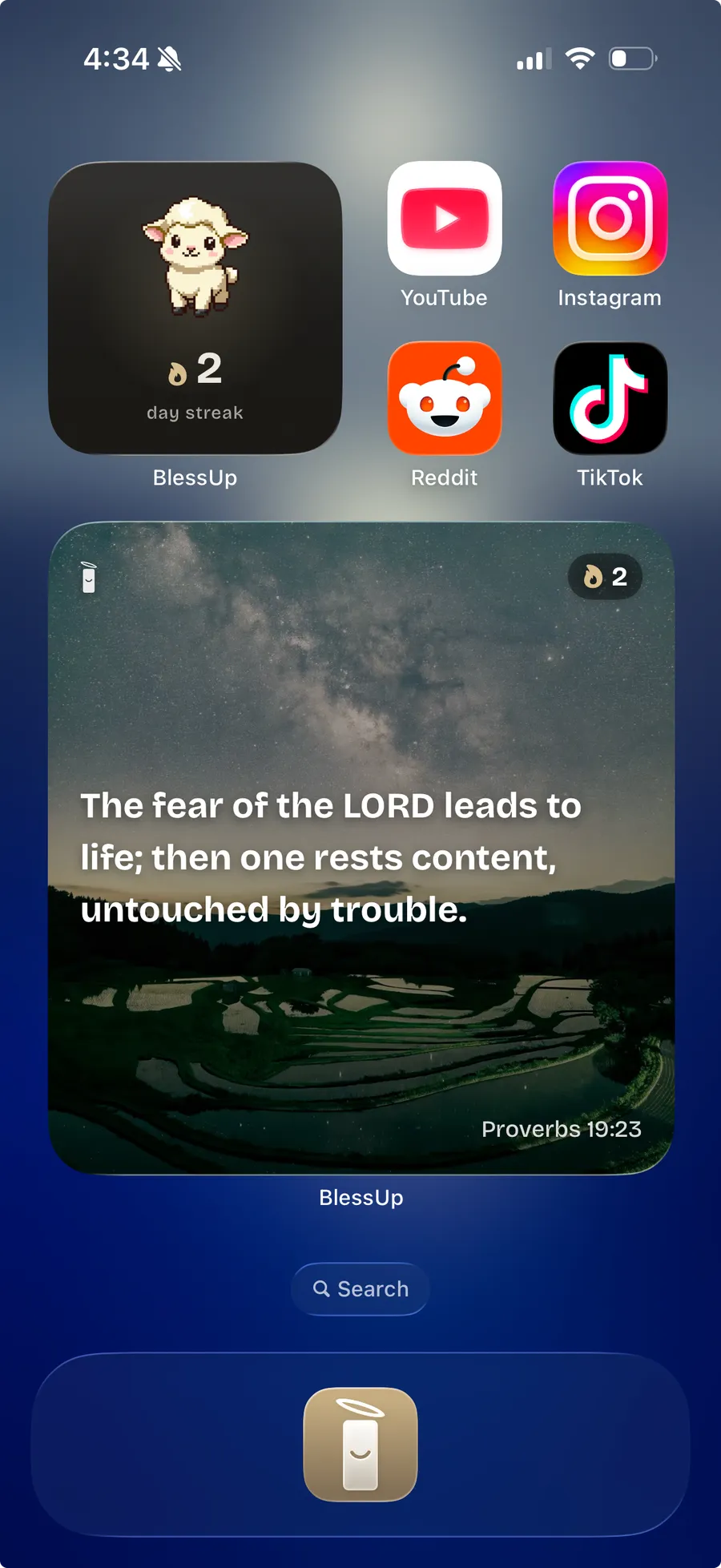
This part did not change from Prayer Lock. You choose which apps to shield. Two or three is a sensible start: Instagram, TikTok, YouTube, maybe a news app or a game. Everything you do not select works normally, all the time.
When you reach for a shielded app, it does not open. You get a BlessUp lock screen instead. Tapping through sends a notification that drops you straight into the day's reading, so you are never hunting for where to go.
Underneath, this is built on Apple's Screen Time and Family Controls, the same system that powers parental controls. That matters for one practical reason: the shield is enforced by iOS, not by a timer inside an app you can close. It is also why BlessUp is iPhone only. Family Controls does not exist on Android, so there is no Android version and there cannot be one on this architecture.
Why the key changed from a prayer to a chapter
The original design asked for a short prayer, and it worked, but it had a ceiling. A two minute prayer is a good moment. It is not a plan. People finished the prayer, opened their apps, and a year later were exactly where they started, having read no more of the Bible than when they installed the app.
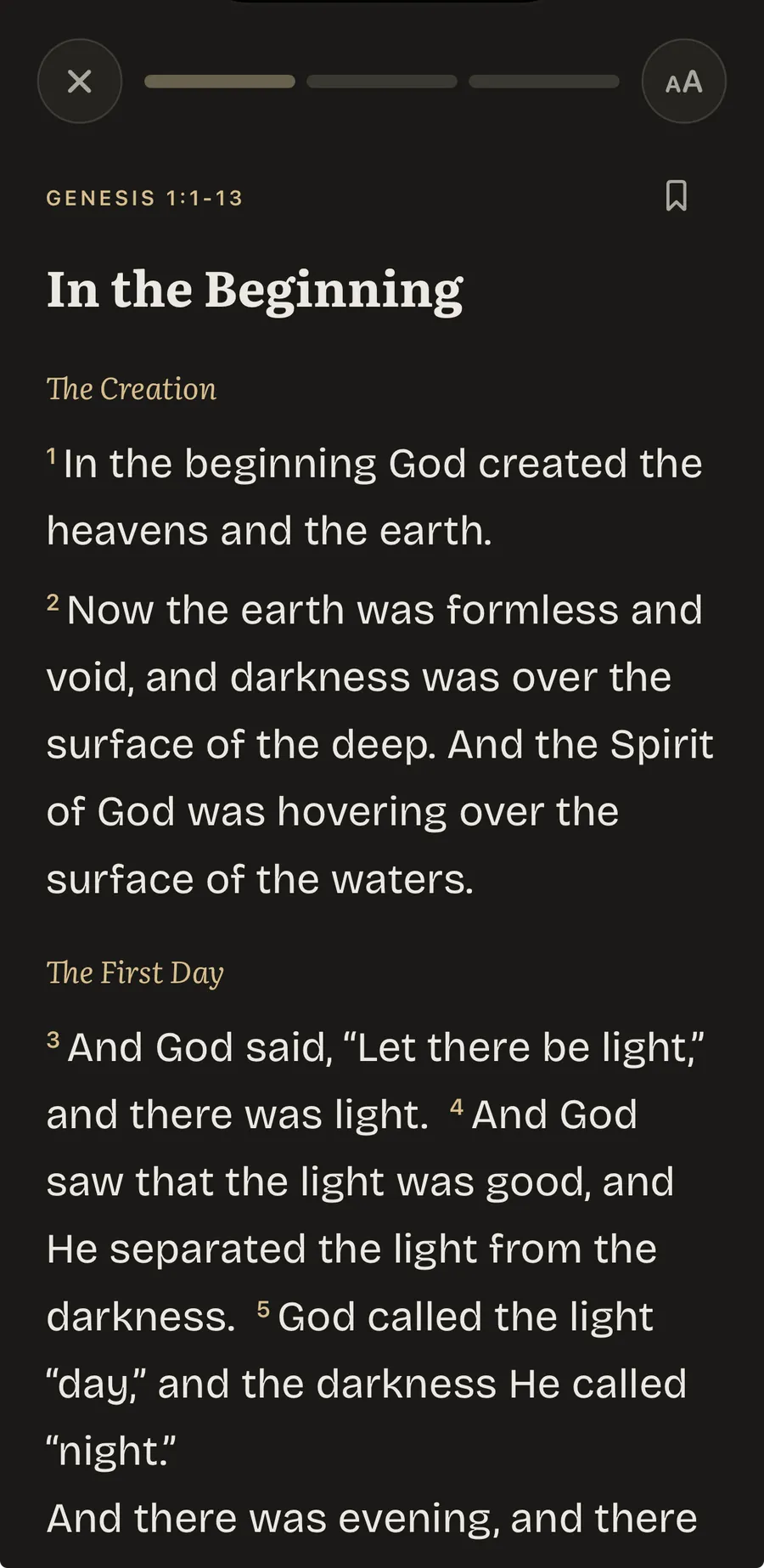
A chapter is different because a chapter accumulates. Read one a day and you are not just having a moment before you scroll, you are moving through Genesis to Revelation. The lock stopped being a speed bump and became a reading plan that happens to be enforced by your phone.
There is a plainer version of the argument too. The thing that keeps most people out of Scripture is not disbelief in its value. It is that the phone wins every morning. Making the phone the thing that hands you the chapter puts the friction on the right side of the trade.
How much reading it actually asks for
About nine minutes a day, and that number is arithmetic rather than marketing. The Protestant canon is 724,811 words. Split across 365 days, that is 1,986 words a day, which is roughly nine minutes at a normal reading pace of 220 words per minute. The Catholic and Orthodox canons are longer, so their plans run a little longer too. The full working is in how long it takes to read the Bible in a year.
| Canon | Total words | Words per day | Minutes per day |
|---|---|---|---|
| Protestant | 724,811 | 1,986 | 9.0 |
| Catholic | 828,590 | 2,270 | 10.3 |
| Orthodox | 879,155 | 2,409 | 10.9 |
Day one is Genesis 1 to 3 on all three plans. If a year feels like the wrong pace, you can run the same plan over 180 or 90 days instead, and switching preserves everything you have already read.
The rules that keep it from feeling like punishment
A lock that only takes is a lock people uninstall. Four rules do most of the work of making this feel like a trade instead of a penalty.
- A chapter read anywhere counts. There is no separate unlock currency to farm. Read in the Bible tab because you wanted to, and the credit is already there when you reach for Instagram.
- You are never asked twice. If you have already read today and credit remains, the app shows a "reading covered" state instead of gating you again. Once the credit is spent, a re-unlock costs one more chapter.
- A missed day is covered. One missed day is absorbed automatically by a grace day, and your streak is not lost (more on how grace days work). The app's own words for the morning after: "Your place is held. Yesterday was a grace day. Nothing was lost."
- You set the terms. You choose which apps are shielded, how long they stay open afterward, and what time everything re-locks at night.
What you control
Four settings decide how strict the lock feels, and they are worth understanding before you decide it is too much or too little.
| Setting | Options | What it changes |
|---|---|---|
| Firmness | Soft or Firm | Soft lets you pick 15 minutes, an hour, or the rest of the day after a reading. Firm allows 15 minute windows only. |
| Unlock window | 15 min, 1 hour, until reset | How long your apps stay open once you have read. |
| Reset time | You set it | When apps re-lock each night. The app suggests setting it around your bedtime. |
| Unlock activity | Bible Study, Breathing, None | Bible Study is the default. Breathing is a lighter gate. None means the first reading opens your apps for the whole day. |
Each of those four settings is walked through, with what the combinations mean for a real day, in how the reading gate works.
If you came here looking for Prayer Lock because a timer-based blocker did not stick, the difference is worth naming: a timer gives you a wall and hopes you respect it, while this gives you one specific way through that you would probably want anyway. Day one is Genesis 1 to 3, and it is already waiting when you open the app. See how the reading gate works.
Where prayer fits now
Prayer did not leave. BlessUp ships 118 written prayers across twelve themes, from strength in weariness to gratitude for goodness, and the app picks one for you based on two quick check-in questions about how you are feeling and how close to God you feel that day.
Prayer also still counts toward your streak. The streak in BlessUp is unified: reading or prayer keeps it alive. What prayer no longer does is open your apps. Reading became the daily anchor because a plan is what carries people through the text: in the American Bible Society's State of the Bible 2026, nearly three-quarters (74%) of people who use a Bible reading guide, schedule or plan had read most or all of the Bible. That is an association in a survey of US adults, not proof that a plan causes it. If you want a fuller picture of the daily rhythm, building a morning prayer routine that sticks covers the habit side, and Bible Mode covers the reading surface itself.
What Scripture says about first things
Giving God the first minutes of the day is much older than the smartphone. David wrote, "In the morning, LORD, you hear my voice; in the morning I lay my requests before you and wait expectantly" (Psalm 5:3, NIV). Morning was his pattern, not his exception.
Jesus kept the same rhythm. Mark 1:35 tells us He got up very early, while it was still dark, and went off to a solitary place to pray. And in the Sermon on the Mount He said, "But seek first his kingdom and his righteousness, and all these things will be given to you as well" (Matthew 6:33, NIV). The lock is one small way of putting that order of priorities into a phone. These passages are about prayer, and prayer is still where the app begins each morning, with a short check-in. The chapter is what follows it.
Does a lock like this actually help?
Worth being careful here, because this is a category that overstates its evidence.
The habit problem is real and well documented. The Pew Research Center's mobile fact sheet reports that about nine in ten US adults (91%) own a smartphone. And the phone does not wait to be picked up. When Common Sense Media tracked teenagers' phones for its 2023 report Constant Companion, over half of the participants received 237 or more notifications a day, and they checked their phones more than 100 times a day on average. That study was of teens, not adults, but the device is the same one.
On whether cutting back helps, there is at least one randomized trial. Researchers at the University of Southern Denmark assigned 89 families, including 164 adults, either to limit recreational screen use to under three hours a week or to carry on as usual. After two weeks, adults in the limiting group reported better well-being and mood than the control group. The trial found no effect on biological markers of stress, and two weeks is a short time. It tested limiting screens in general, not this app.
What a lock does is narrower and more defensible than any of that. It does not make Scripture powerful. It makes reading it the path of least resistance at the one moment of the day when your intentions are weakest.
For the fuller argument about why a gate works where a timer does not, see why app blockers do not work and screen time as a spiritual problem, not a productivity one.
If the pull you are fighting is the endless feed in particular, our guide on how to stop doomscrolling starts there, and the BlessUp FAQ answers the practical questions about setup.
Getting started
BlessUp is free to download. Pick the apps that pull at you most, set your reset time around when you go to bed, and go to sleep. Tomorrow morning, when your thumb heads for the feed out of habit, Genesis 1 will be there instead.
Frequently asked questions
Is Prayer Lock still available?
Yes. BlessUp's app lock, which used to be called Prayer Lock, still locks the apps you choose using Apple's Screen Time system. It no longer goes by that name, and what opens it is now the day's chapter of Scripture, not a prayer. Other apps also use the name Prayer Lock; this answer is about the feature in BlessUp.
What replaced Prayer Lock in BlessUp?
The same shield, with a different key. BlessUp now opens your apps when you read the day's chapter, on a plan that goes from Genesis to Revelation in a year. A chapter read anywhere in the app counts.
Does a prayer still unlock your apps?
No. A prayer no longer opens the lock. By default the key is the day's chapter, and the settings also offer a lighter breathing gate. Prayer is still in the app, with 118 written prayers, and praying still counts toward your streak.
How long does the reading take?
About nine minutes a day on the Protestant plan: 724,811 words across 365 days is 1,986 words a day, read at 220 words a minute. The Catholic plan runs about 10.3 minutes a day and the Orthodox plan about 10.9.
Same lock. The key is a chapter now.
No guilt. Ever. Grace is built in. Funded by readers, never by ads.